PDF Scan Kit
DOCUMENT SCANNER · ANDROID

Every PDF tool,
one tap away.

Scan, merge, split & sign PDFs fast — secure, offline, all in one app. No computer, no printer, no hassle.
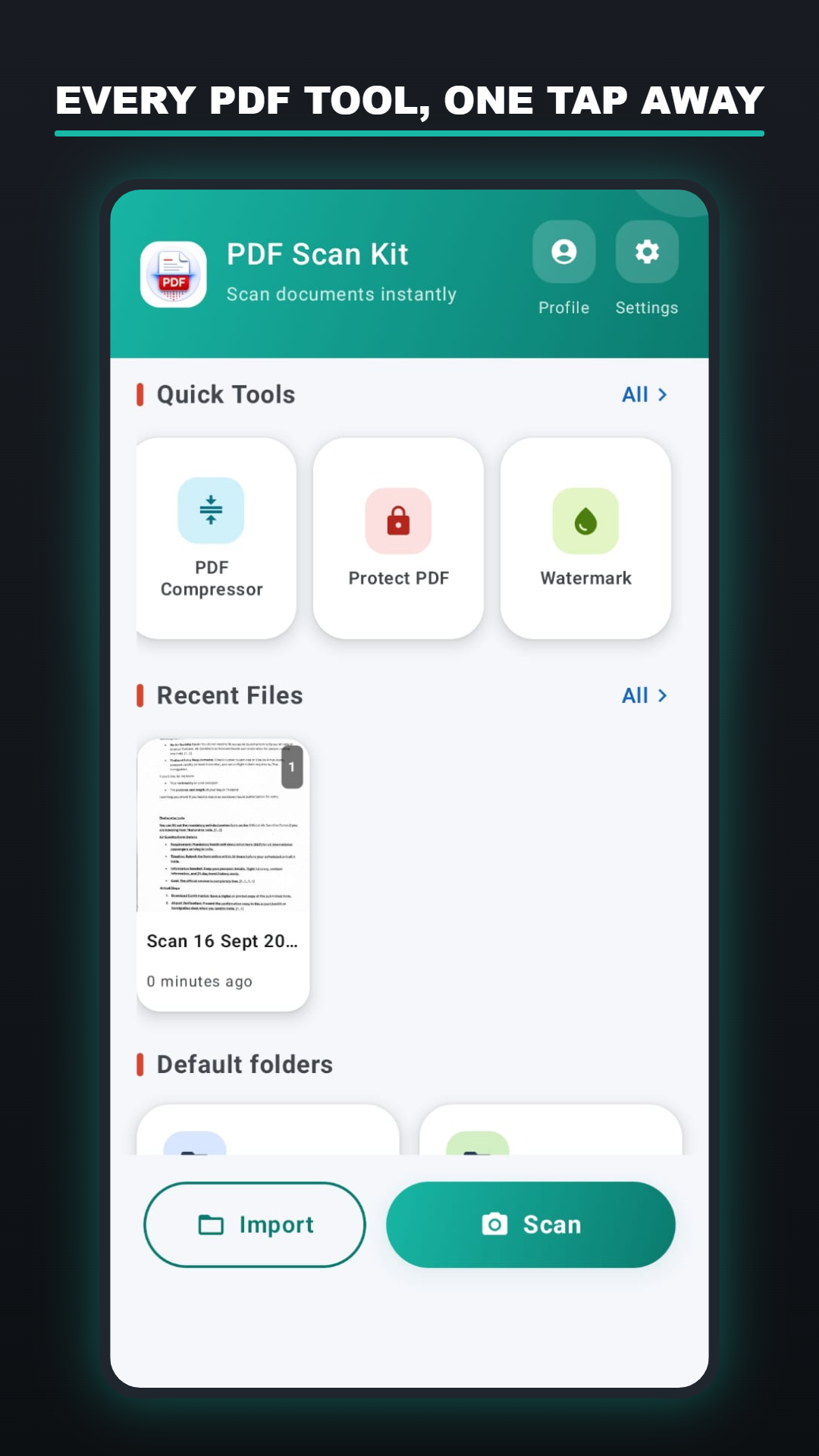
PDF Scan Kit home screen showing quick tools and recent scans
THE TOOLBELT

Six tools. One app.

Everything a paper document needs to become a working PDF — scanned in, cleaned up, signed, and put away.

Auto edge-detect scanning

Point your camera at a page — corners snap into place and it's cropped, straightened, and saved as a document instantly.

Merge, split & reorder

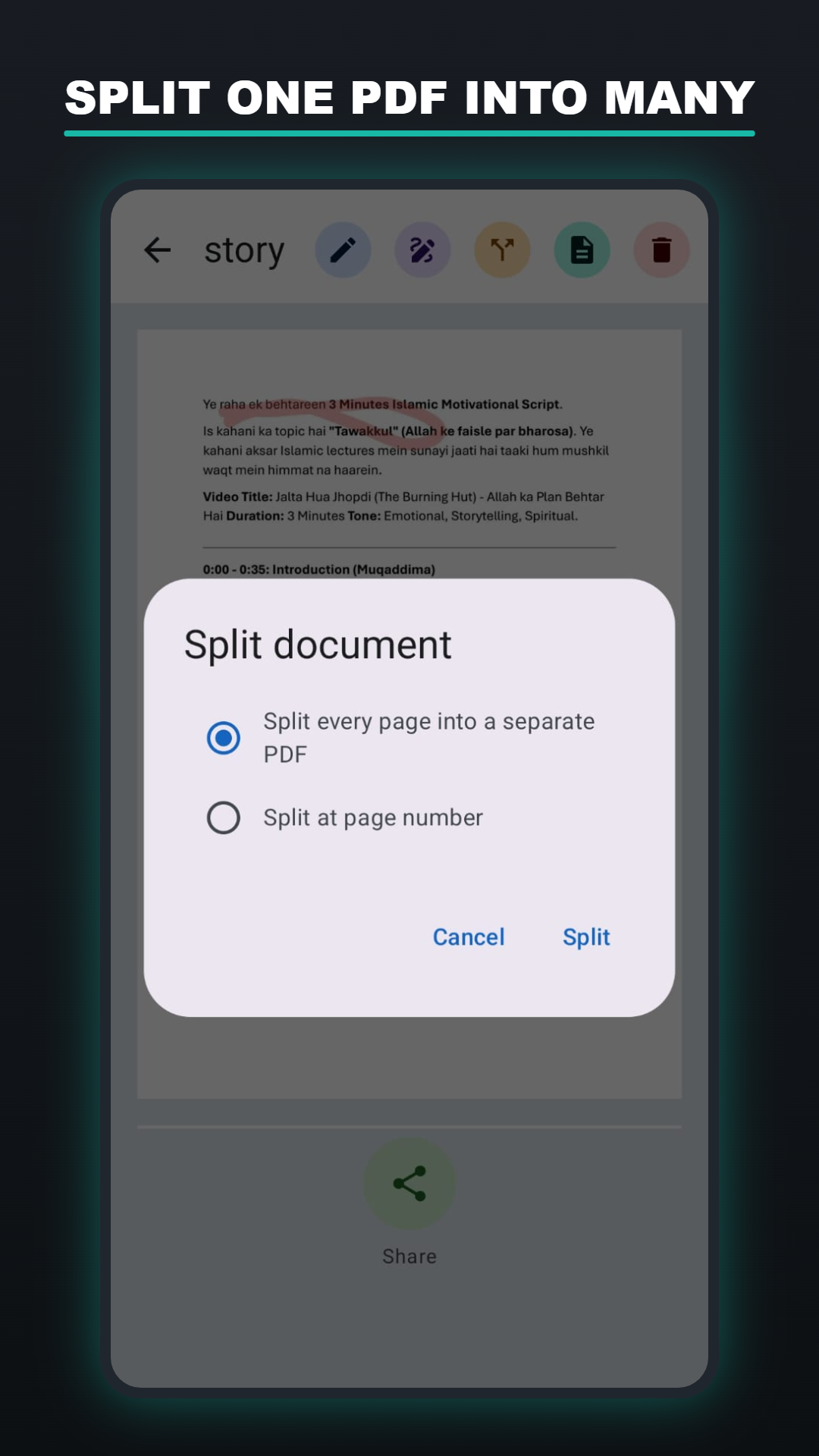
Combine PDFs in any order, split by page number, or drag pages around — all without a computer.

On-device text recognition

Pull editable text off any scanned page with built-in OCR — nothing leaves your phone to read it.

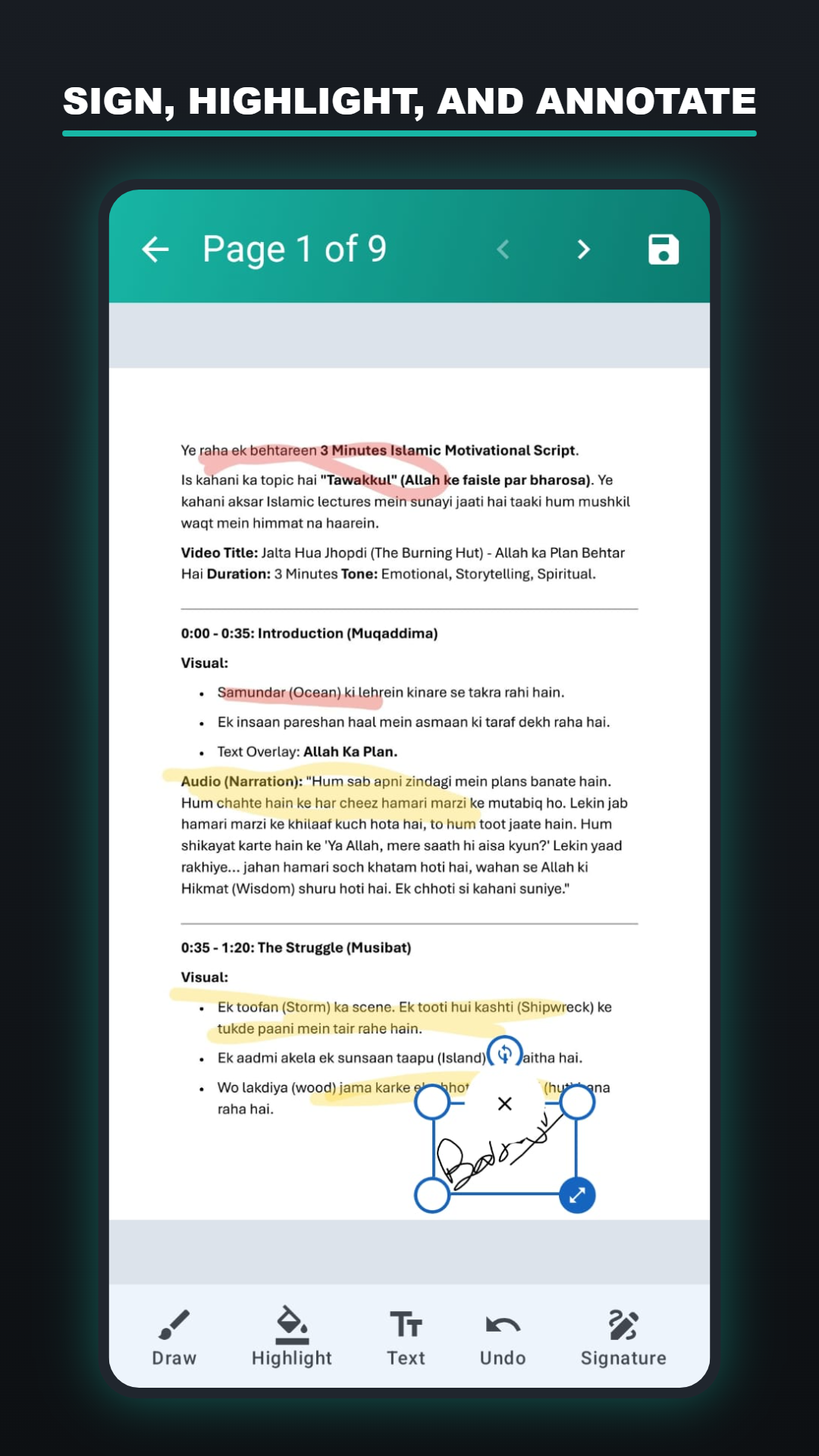
Sign & annotate

Draw, highlight, drop in text notes, and add your signature to contracts and forms — undo anytime before saving.

Password protect & watermark

Lock sensitive PDFs with a password you set, or stamp a watermark across pages before you share them.

Read, organize & back up

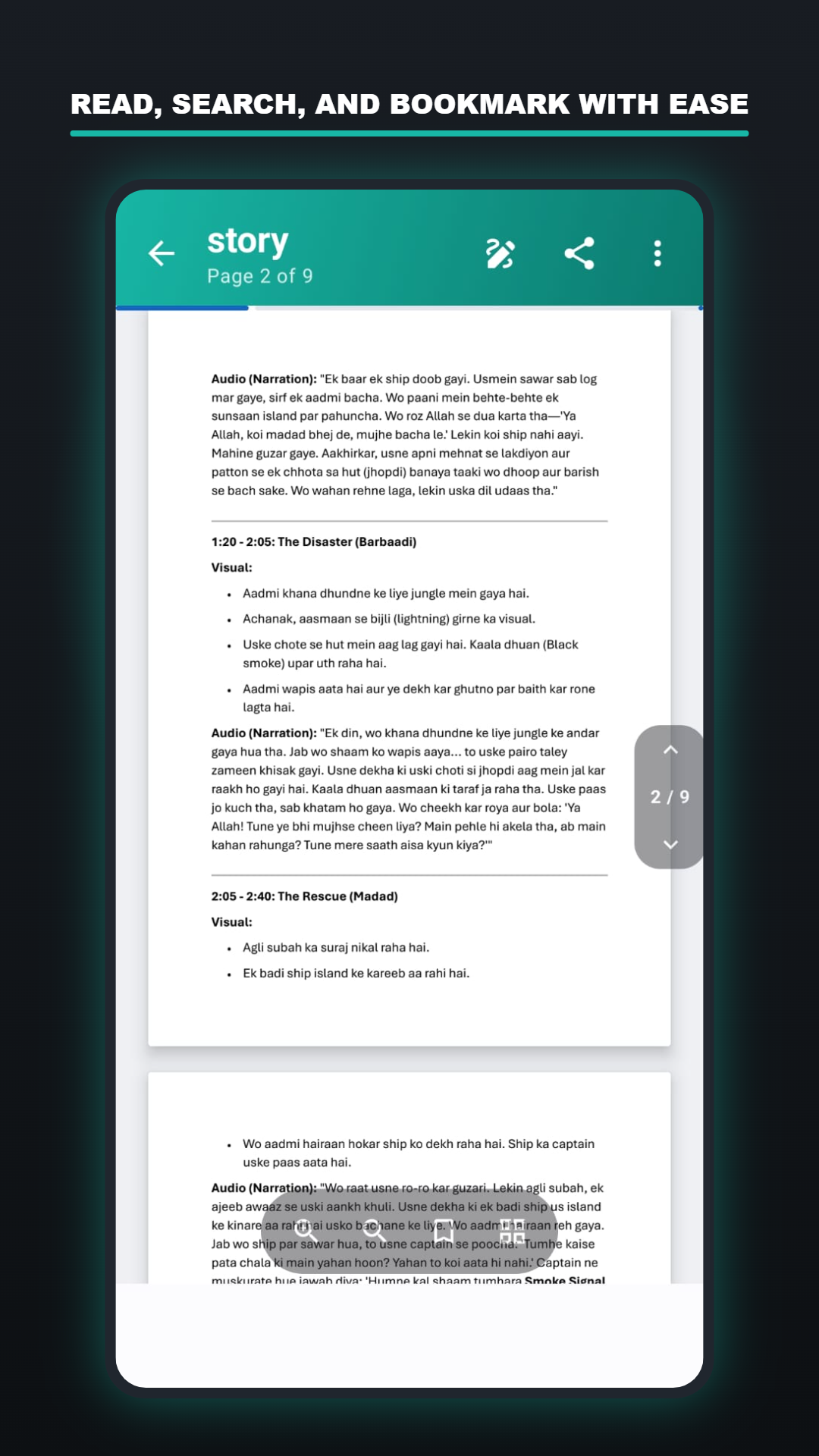
A built-in reader with zoom and search, custom folders to keep things tidy, and optional backup to your own Google Drive.
INSIDE THE APP

See it in your hand

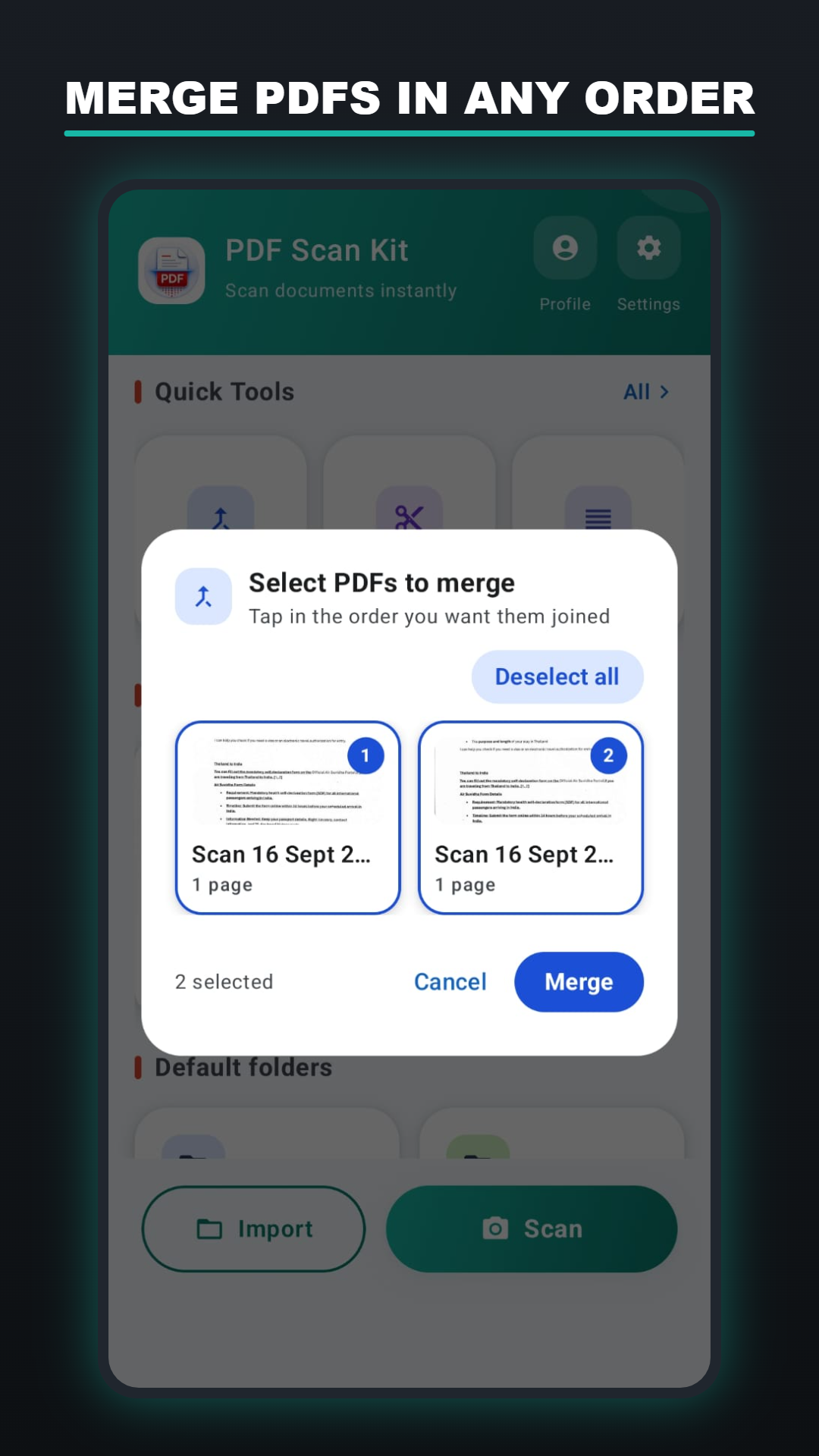
Merging PDFs in any order
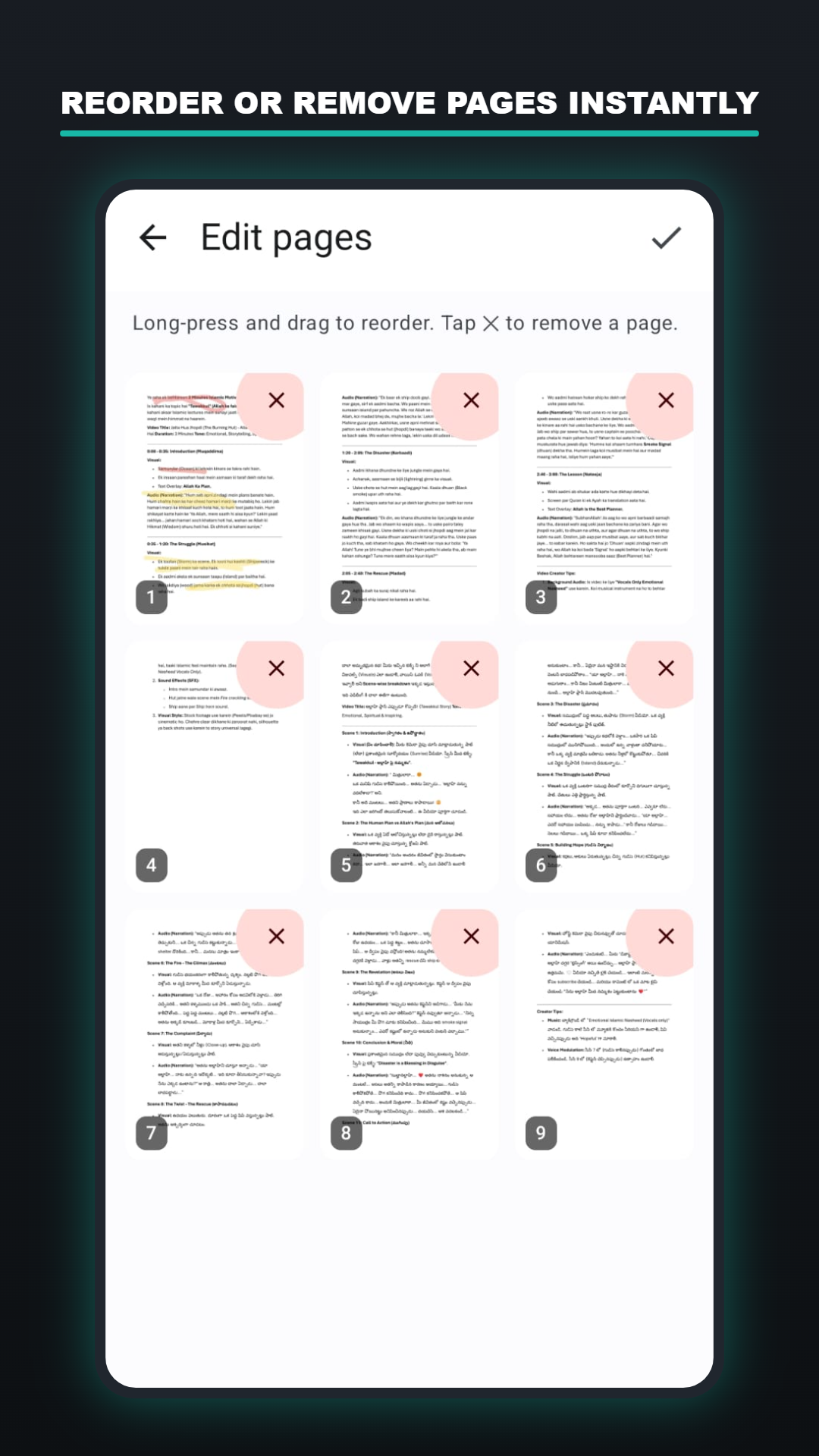
Reordering and editing pages
Annotating a document
Splitting a PDF
Reading a PDF with zoom and search
UNDER THE HOOD

Built to stay on your device

Scanning, editing, and OCR all run locally. Nothing leaves your phone unless you turn on Drive backup yourself.

10
LANGUAGES SUPPORTED
6
CORE PDF TOOLS
0
SERVERS — ON-DEVICE ONLY
drive.file
RESTRICTED BACKUP SCOPE
GOOD TO KNOW

Frequently asked questions

Are my documents uploaded anywhere?+
No. Scanning, editing, and OCR run entirely on your device through Google's on-device ML Kit. There's no server for PDF Scan Kit to send them to.
Does Google Drive backup happen automatically?+
It's off until you turn it on in Settings. Once enabled, the app can only see and manage the PDF files it uploads itself (Google's drive.file scope) — never the rest of your Drive.
Do I need an internet connection to scan?+
No — scanning, merging, splitting, signing, and OCR all work fully offline. You only need a connection for optional Drive backup.
What languages does the app support?+
The interface is available in 10 languages: English, Hindi, Telugu, Arabic, German, Spanish, French, Japanese, Portuguese, and Chinese.